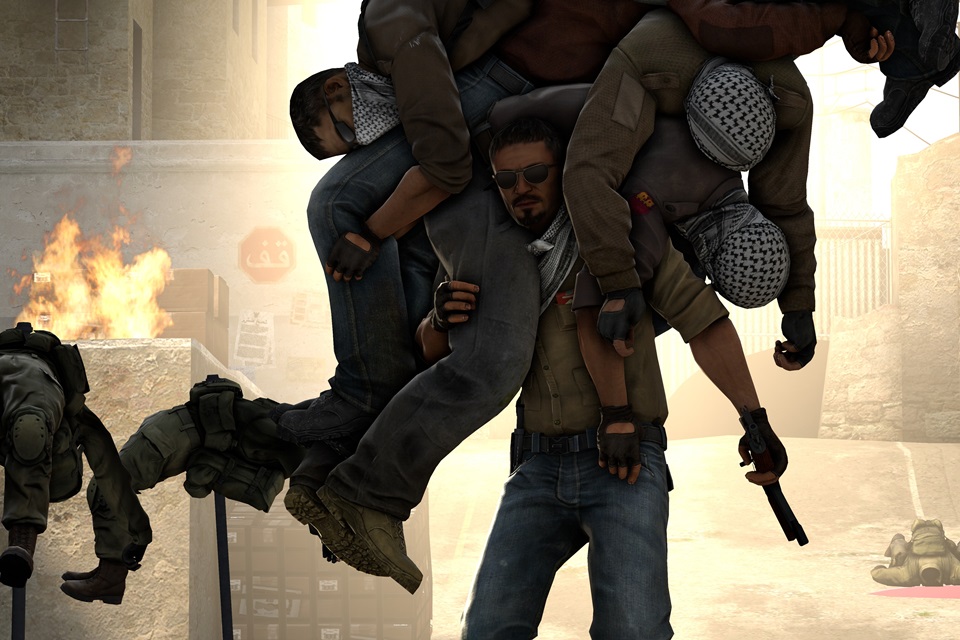

Counter-Strike, also called CS by players, is one of the most famous games today. It was developed in the late 1990s and remains one of the favorites.
Counter-Strike is a first-person shooter. In this case, the player has a very broad view of the environment on the screen and the targets that appear ahead.
One of Counter-Strike's main characteristics is its versatility, as it offers five different ways to play, allowing you to find different levels of difficulty.
In addition to its gameplay, another interesting point is that players themselves can configure a Counter-Strike server and play together with their friends.
Counter-Strike with a VPS Server
Ideally, to play this game you should have a VPS-type server (Virtual Private Server). This type of server has its own dedicated system and allows compatible software to be installed.
To create a Counter-Strike server, you must have a “CS:GO” account as well as a VPS server with 1 GB of RAM. This is the minimum amount of memory. The acceptable disk space for creating the Counter-Strike server is 2 GB.
In addition, the VPS server must run the 32-bit Ubuntu 14.04 operating system.
Initial stage
The first step in the installation is to start IPTABLES in your server panel. Once IPTABLES is active, you can access the VPS's SSH using PuTTY. This will allow you to open the game's communication ports.
Next, you need to install the essential libraries for SteamCMD and update the operating system. This will make it possible to start SteamCMD and download CS:GO.
Server configuration and startup
To begin the configuration process, you must exit “SteamCMD,” then open the CS:GO CFG folder to configure the hostname. Next, you need to create the file or edit server.cfg.
With the server.cfg file open, press the “INSERT” button, type “hostname Your server name,” and choose a strong password. To complete this stage, press “:” (colon), followed by the letter “x,” and finally “Enter.”
Right after these procedures, you need to open the folder where CS:GO is installed and start a “screen” to keep the program running properly.
After this process, you need to obtain your session code (GSLT). To do so, access the following web address: http://steamcommunity.com/dev/managegameservers.
There you will find the game's application ID. When you find this ID, enter the digits “730” in the blank field. Just below it, you will see another blank field where you should create a name so you do not forget the code.
After starting your server, press Ctrl + a and then type the letter “d” to leave the “screen.”
How to Access the Game and Learn About the Different Modes
The server has now been created, so it is time to start the game. To do this, open CS:GO, click Play, and then click “Community Server.”
The next step is to click “Favorites” and then + Server. You must then enter the VPS IP and add the address to the favorites section. When you see your server's name appear, click it to connect. Then just start playing.
In addition to requiring skill from players, Counter-Strike also demands reasoning, strategic thinking, and the planning of group tactics. All these characteristics make it one of the most popular games in esports today.
Counter-Strike's gameplay modes include:
- Casual Classic: In this mode, the player can have a good number of people on their team. In addition, they have a wide range of equipment available throughout their missions, eliminating concerns about ammunition and other details.
- Arms Race: This is a game mode where the goal is to eliminate opponents and thereby acquire more powerful weapons. It is a mode that focuses more on action combined with good aim.
- Demolition: This is also a more action-oriented mode, but the main objective in this case is to plant a bomb and obtain improved weapons with each completed round.
- Deathmatch: This is the ideal mode for beginning players who still need to practice their aim. In addition, this mode is perfect for improving movement and practicing better weapon control.
- Competitive Mode: This is the mode best suited to experienced players. In it, players can improve their level and accumulate points.
Conclusion
Counter-Strike is a very entertaining game and is among the favorites of competitive gaming fans. So, with these tips in mind, create your server now and invite your friends...
... And may the best player win.