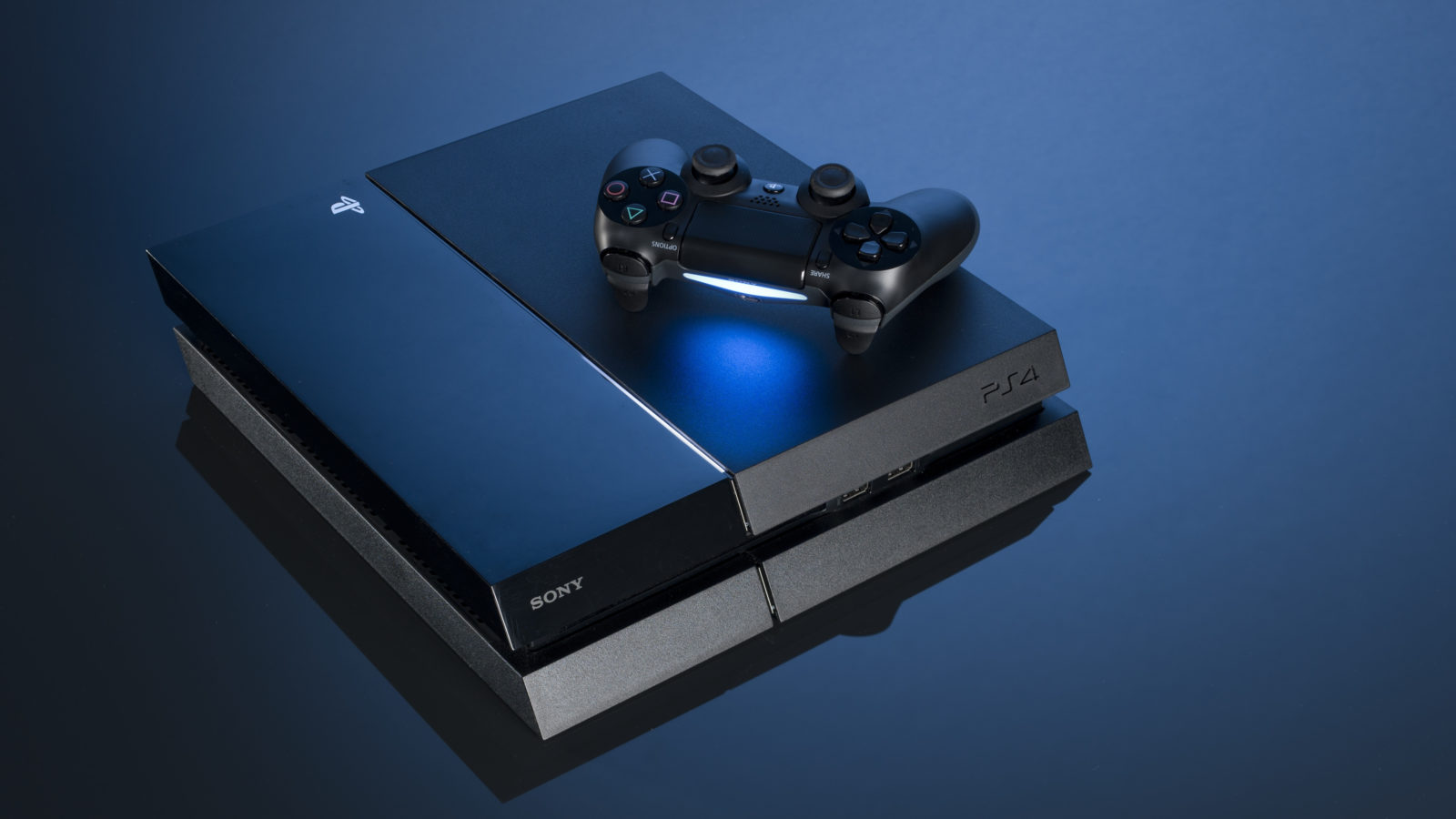
Some PlayStation 4 users were targeted in a messaging attack involving a message that reaches a user's inbox and crashes the console once opened, forcing a factory reset—in other words, causing users to lose all the progress they have made in their games if it was not saved online or elsewhere.
However, PlayStation UK said on Twitter that it was investigating and working to resolve the problem, emphasizing that there was no need to reset the console to its factory settings, as many users had already done only to continue experiencing the crash.
PlayStation UK therefore described two steps for fixing consoles affected by the attack:
- Delete the message through the PlayStation messaging app on a mobile phone. If the user has not installed it, the app is available for Android and iOS.
- Use Option 5 in Safe Mode after turning off the console. Learn how to follow the Safe Mode procedure through this official PlayStation link.
Hello! We are aware and investigating, but it doesn't reset your console to factory settings. All you need to do is delete the message via the PS messaging app, and use Option 5 in Safe Mode to sort your console out. Instructions: https://t.co/vecpA6wnaQ ^DB
— Ask Playstation UK (@AskPS_UK) October 15, 2018
And that is it: your console will be working again, and you can continue your adventures!
It is worth emphasizing that this procedure does not make you immune to receiving the message again. If you have not received it, or if you received it and have already restored your console, here are some tips for avoiding it in the future:
Use the console's privacy settings to allow only friends to send messages, preventing an unknown user from contacting you and sending the message that users fear so much.
However, if your friends list includes many people you do not know very well and you believe the attack remains a risk, the best option is to choose not to receive messages at all until the problem is resolved.